Thoughtful, room-by-room guides for setting up an ergonomic home office — from the angle of your monitor to the warmth of your task light. Built for small apartments, shared rooms, and quiet corners.
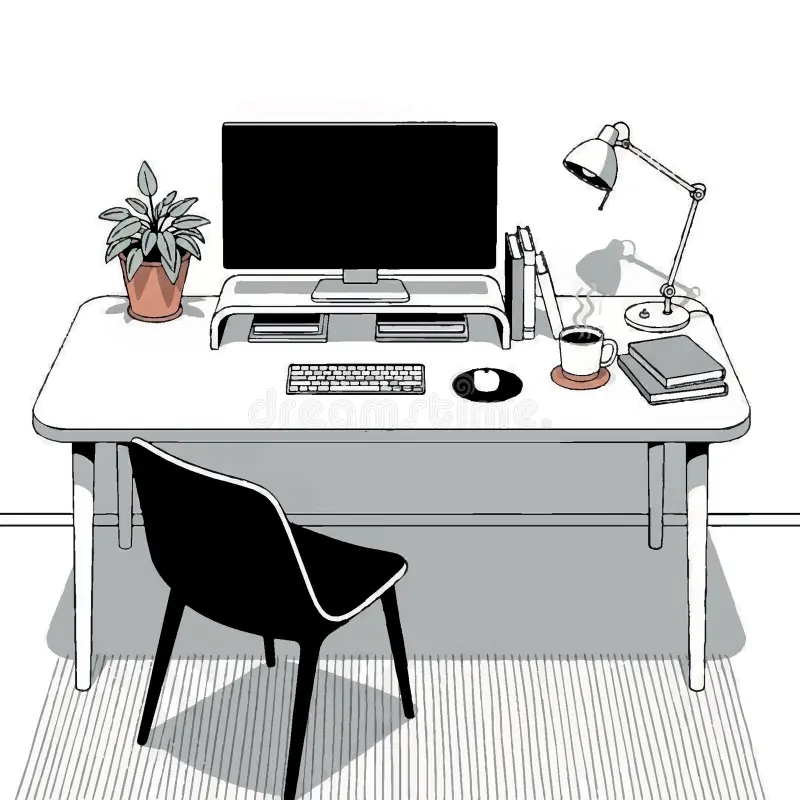
Each guide is grounded in everyday realities — limited square footage, mixed daylight, shared furniture — not idealized showrooms.
Distance, height and tilt rules that work for laptops, single monitors and dual setups.
Combine ambient, task and accent light to reduce glare during long focus blocks.
Chair adjustments, footrest options and short movement cues you can actually keep up with.
Sound shaping, notifications and small rituals that protect deep-work sessions.
Note window direction, outlets and the path you walk most. The best desk spot is rarely the most obvious one.
Top edge near eye level, an arm's length away, perpendicular to bright windows.
Hips slightly above knees, feet flat, lumbar gently supported, shoulders relaxed.
One warm overhead, one focused desk source, one soft accent for evening sessions.
"I rearranged my monitor against the side wall instead of facing the window — glare dropped immediately."
"The footrest tip changed my afternoons. I stopped slouching by 3pm without thinking about it."
"Adding a small warm lamp behind the screen made evening work feel less harsh on the eyes."
Not at all. Most setups improve with three free changes first: raise the screen with books, move the desk perpendicular to the window, and reset chair height so feet rest flat.
Use a portable laptop riser and a removable desk mat. Resetting the surface at the end of the day helps the brain switch out of work mode.
It is wonderful for mood, but direct sun on the screen creates strain. Position the monitor at a 90° angle to the window and add a sheer curtain if needed.
A short stand or stretch every 45–60 minutes is a sustainable rhythm. Pair it with a small habit you already have, like refilling water.
Last update today. Reach out if a specific challenge in your space is missing — we read every note.